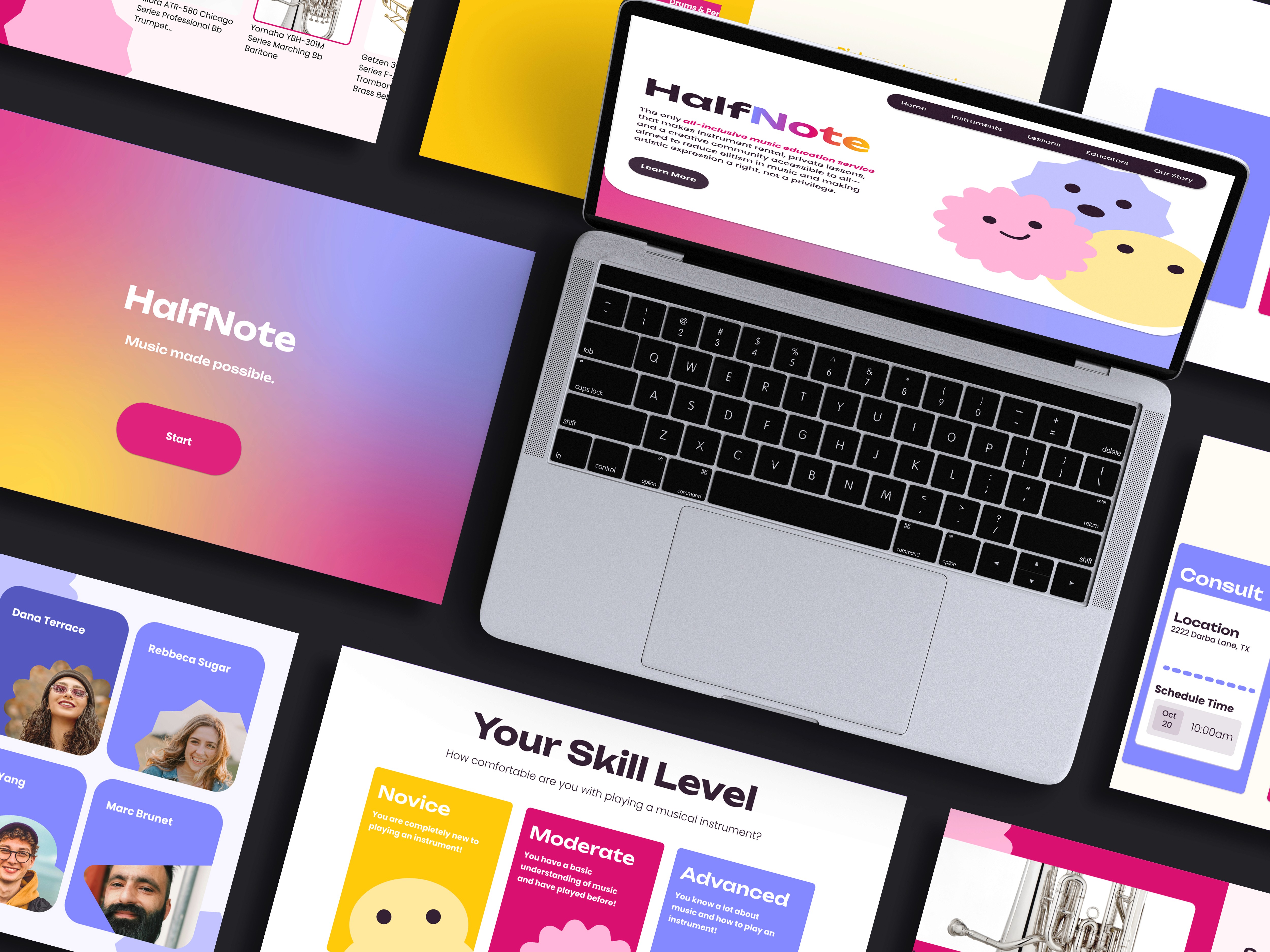
Making music accessible for all
Project Details
Project Overview
HalfNote is a group project that focuses on providing users of all ages with the ability to pursue a music education at anytime through our pop-up service. The pop-up enables people to rent instruments, learn from professionals, and advance their understanding
of music.
Music education is something that is widely offered at many schools, allowing students to experiment, learn, and discover their potential passion for music. But there are many underprivileged places that forgo music education, leading to students never having the chance to explore this facet of learning. Me and my group decided to tackle this problem by digesting it into three objectives:
1
The Reach
2
The Right Instrument
How might we help find the right instrument for each user?
3
Ongoing Support
The
Solution
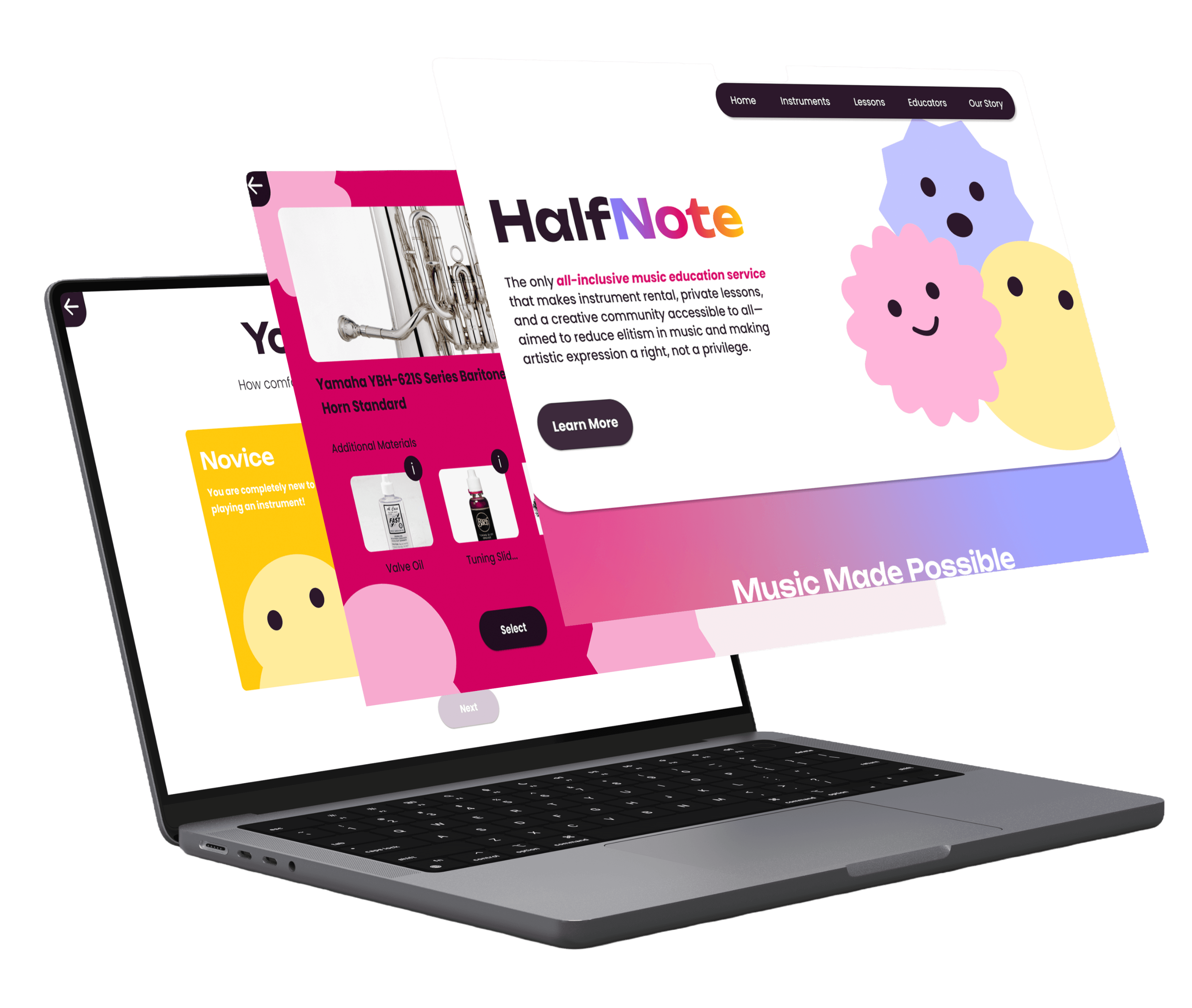
To help those who never had the chance to pursue music education, we created a pop-event that serves as a way for users to get acquainted with different instruments, talk to teachers and instructors and have the chance to rent out instruments and attend rehearsal or one-on-one guidance from professionals.
Iterate
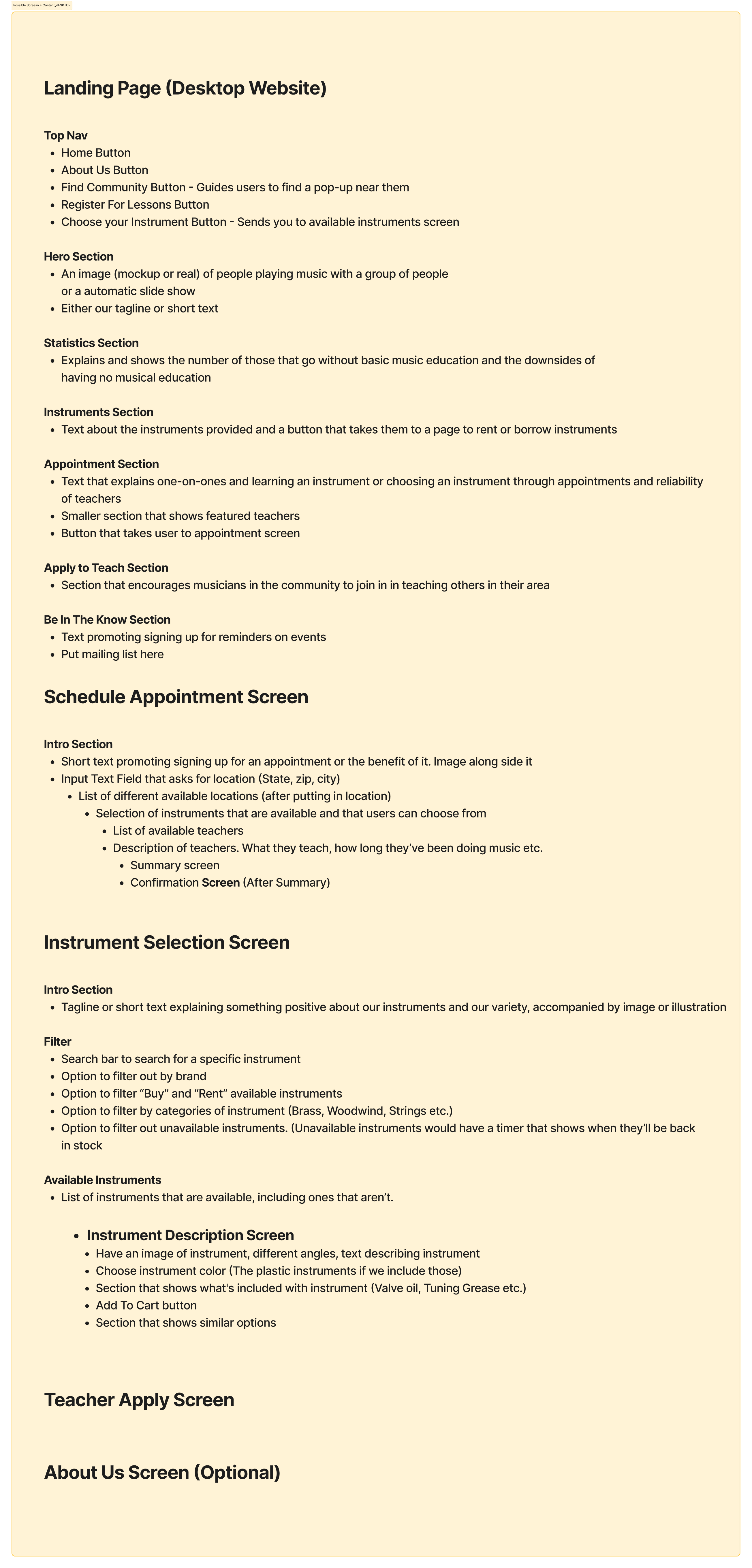
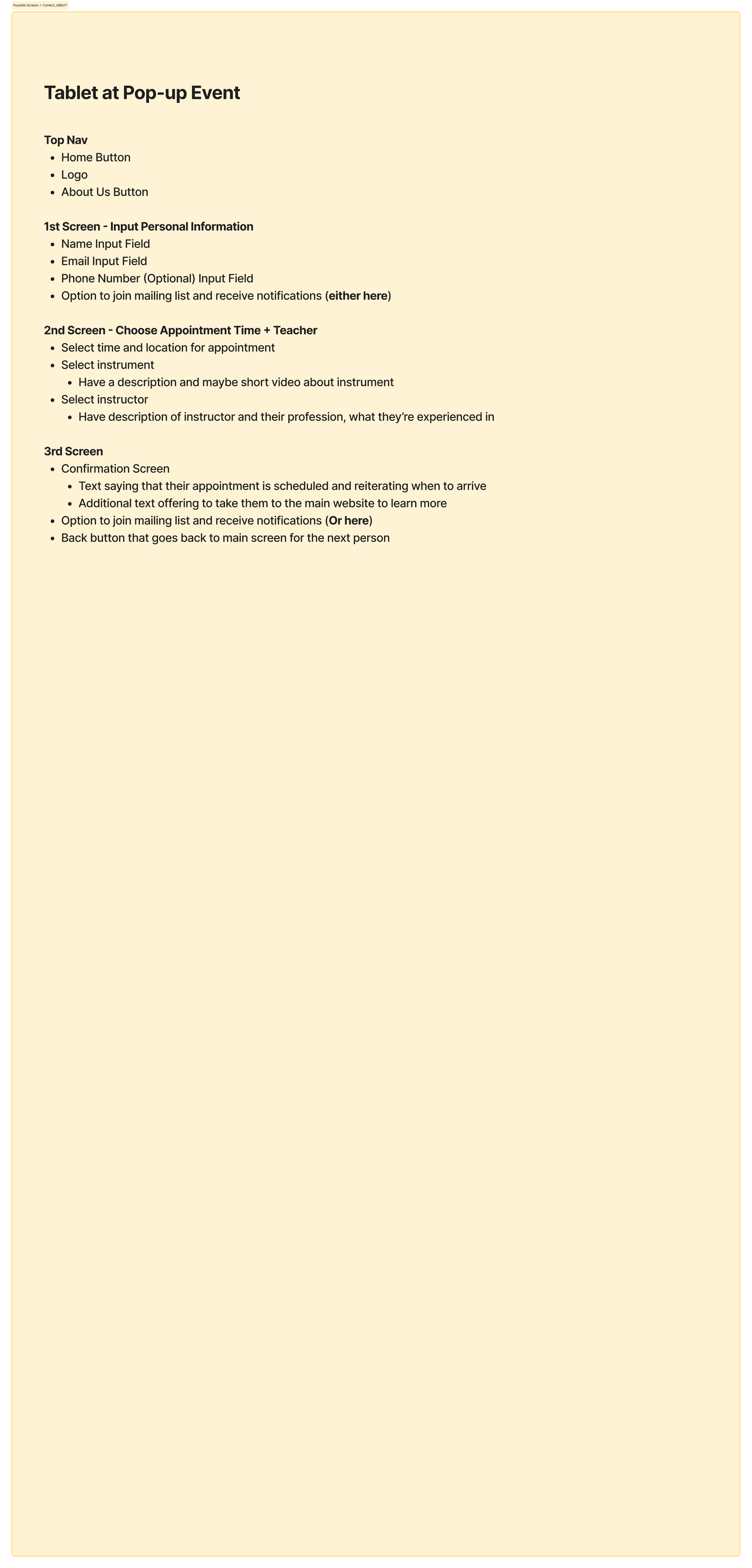
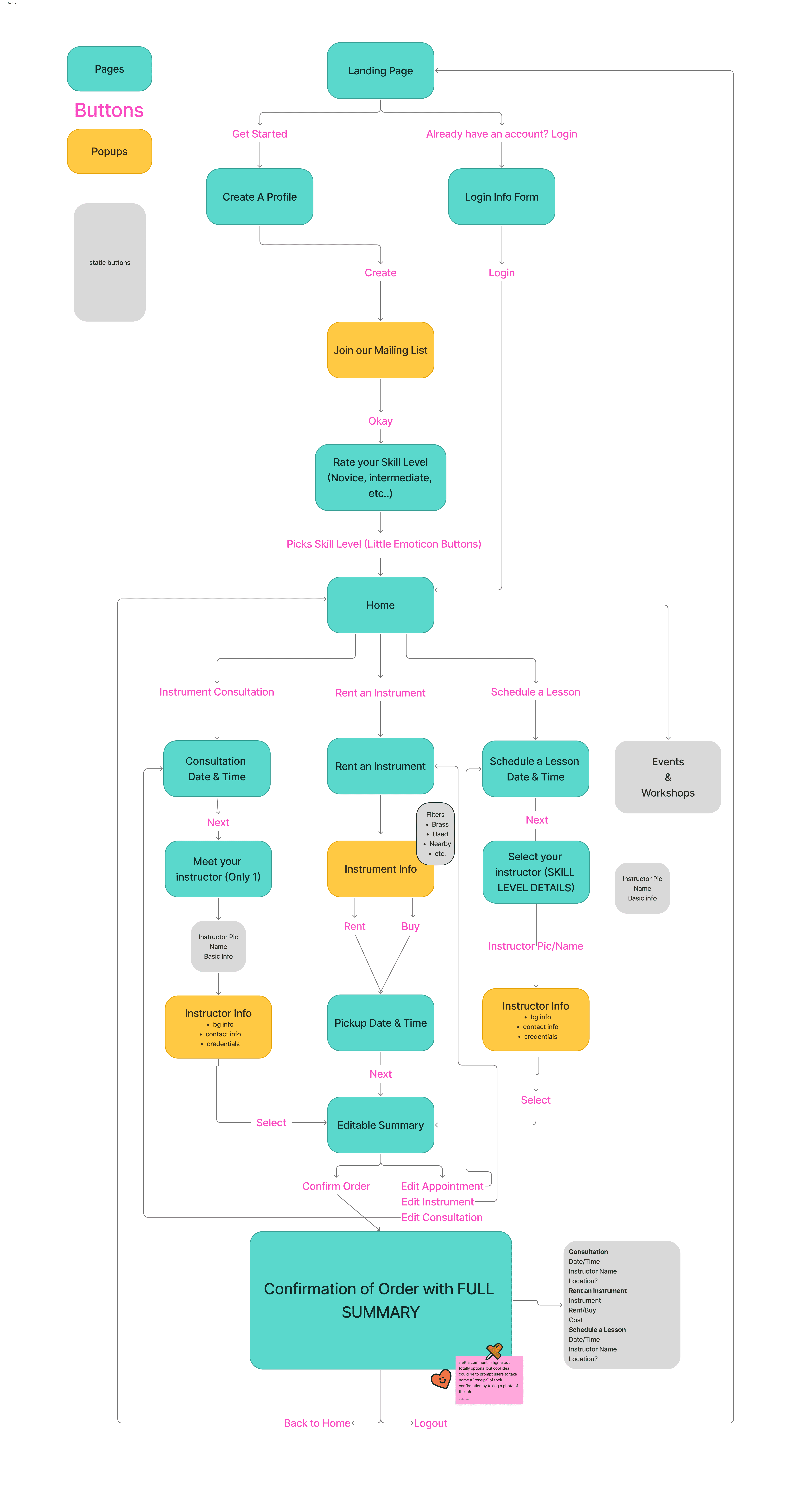
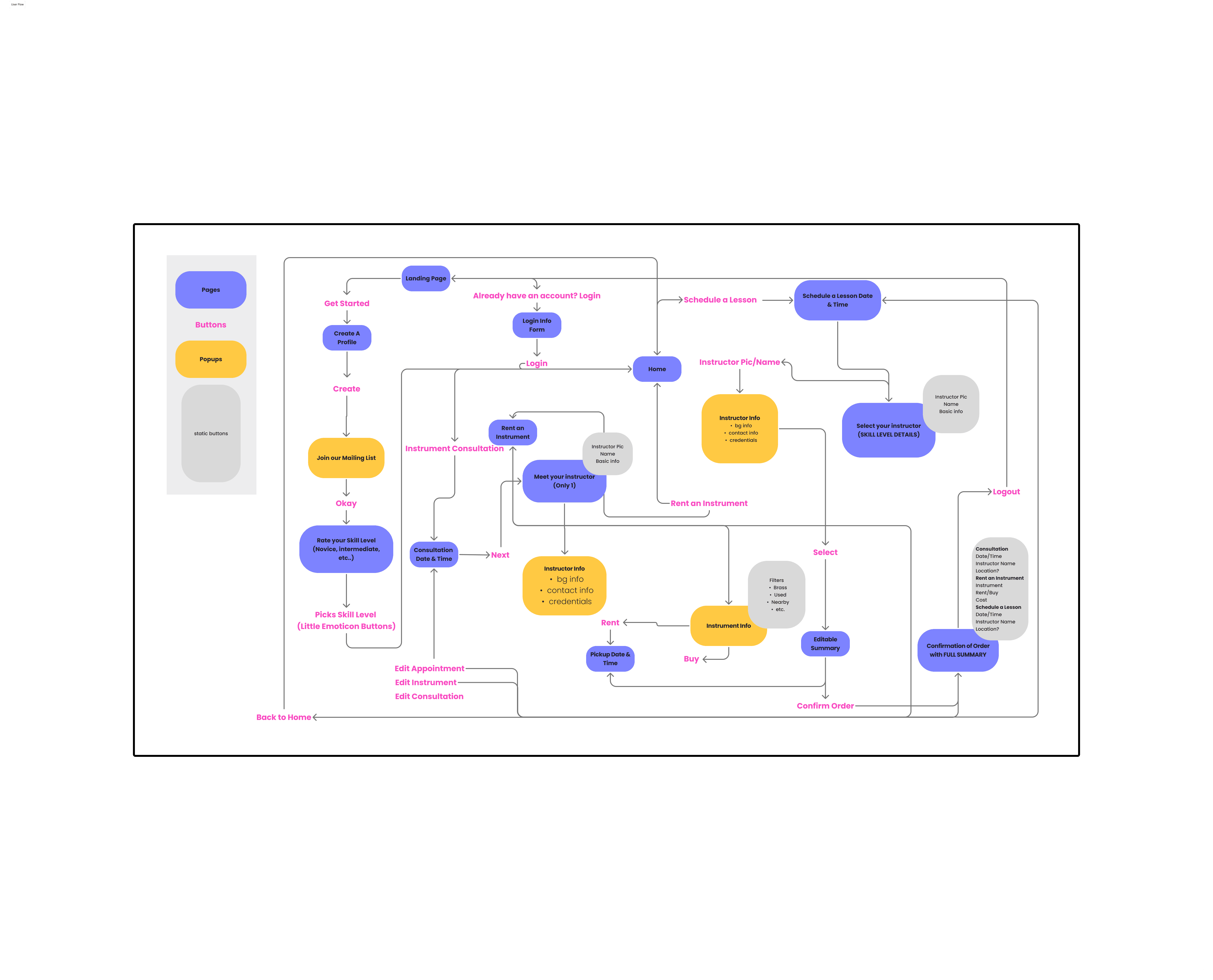
User Flow
User Testing
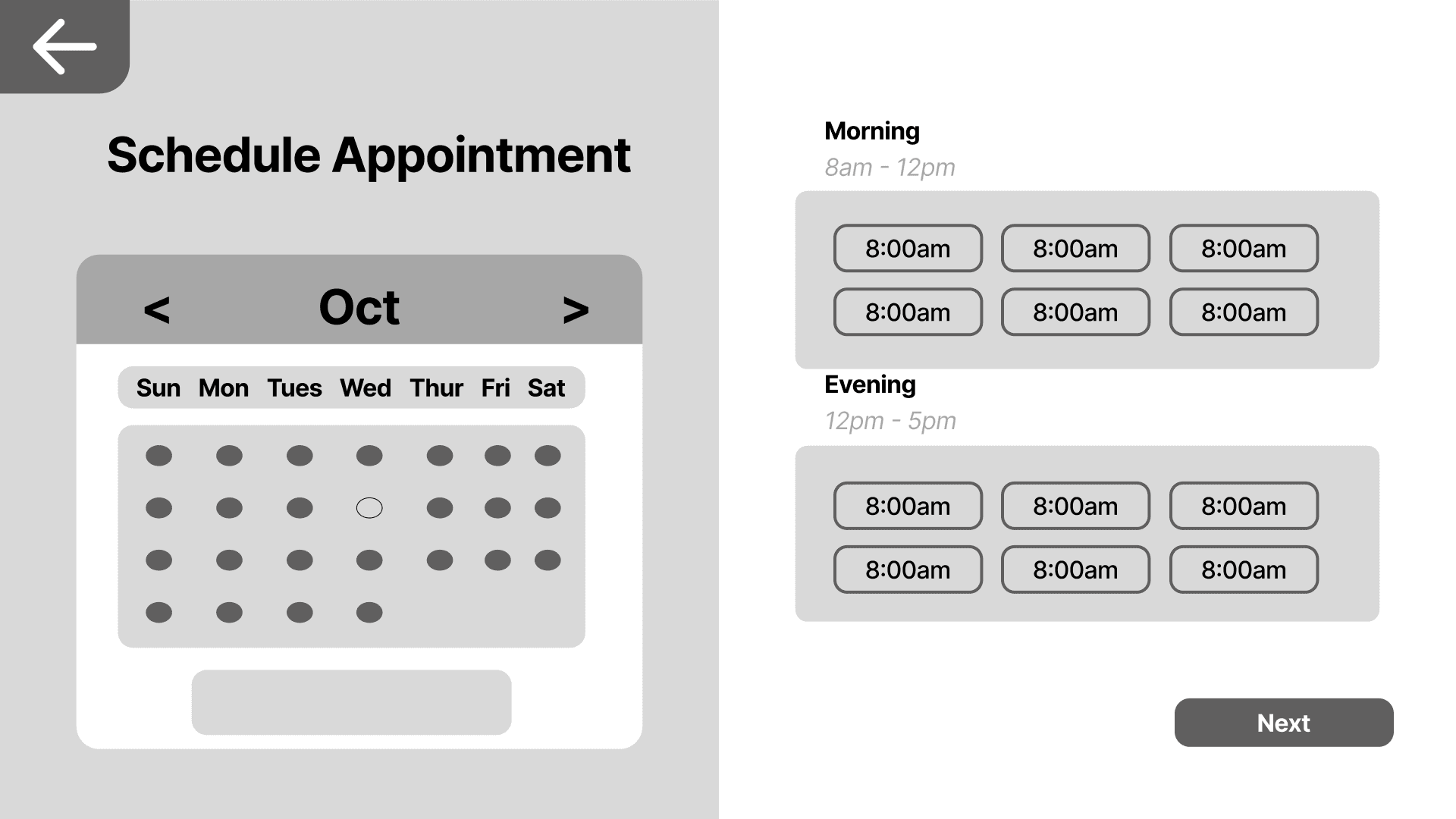
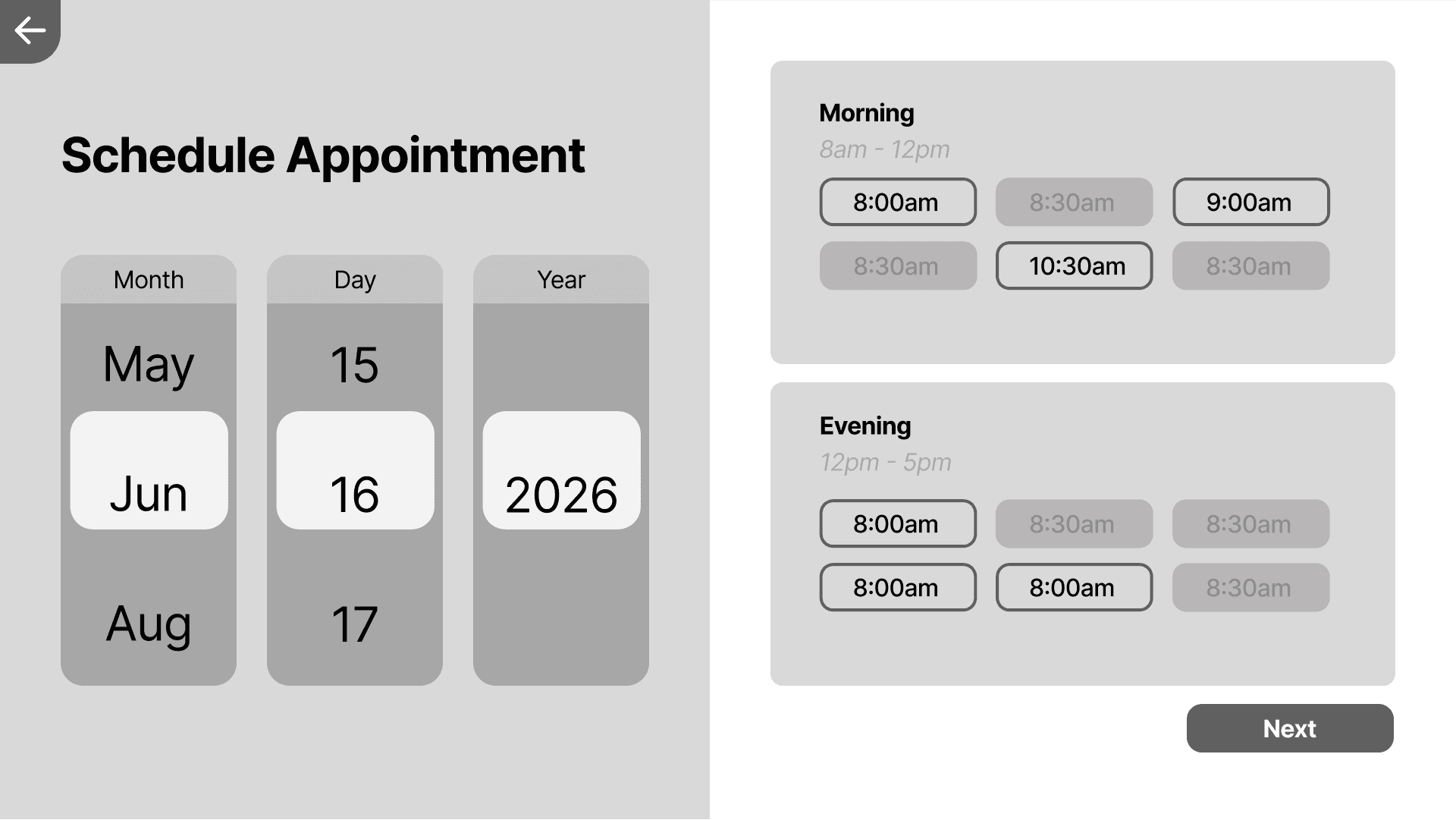
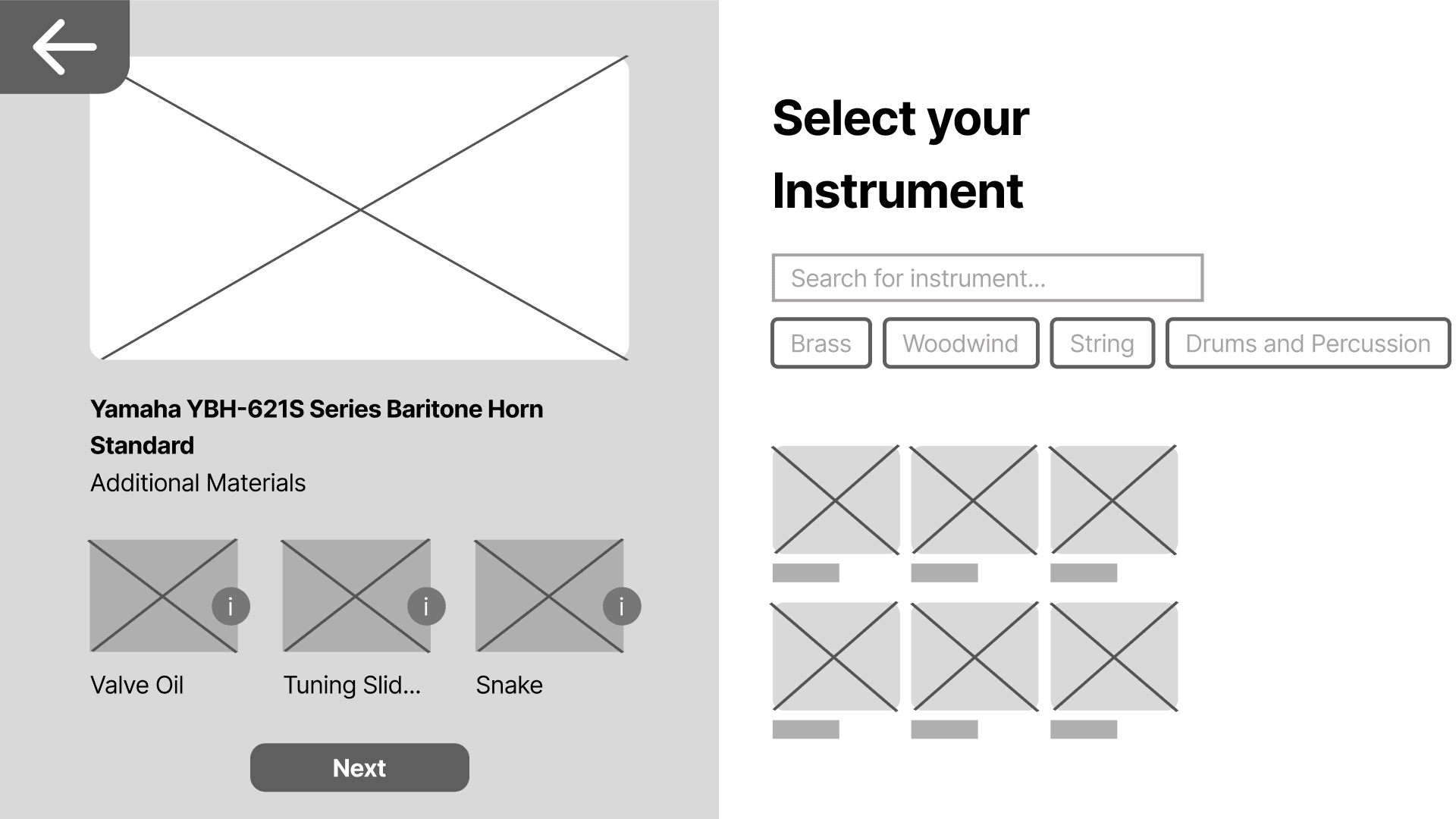
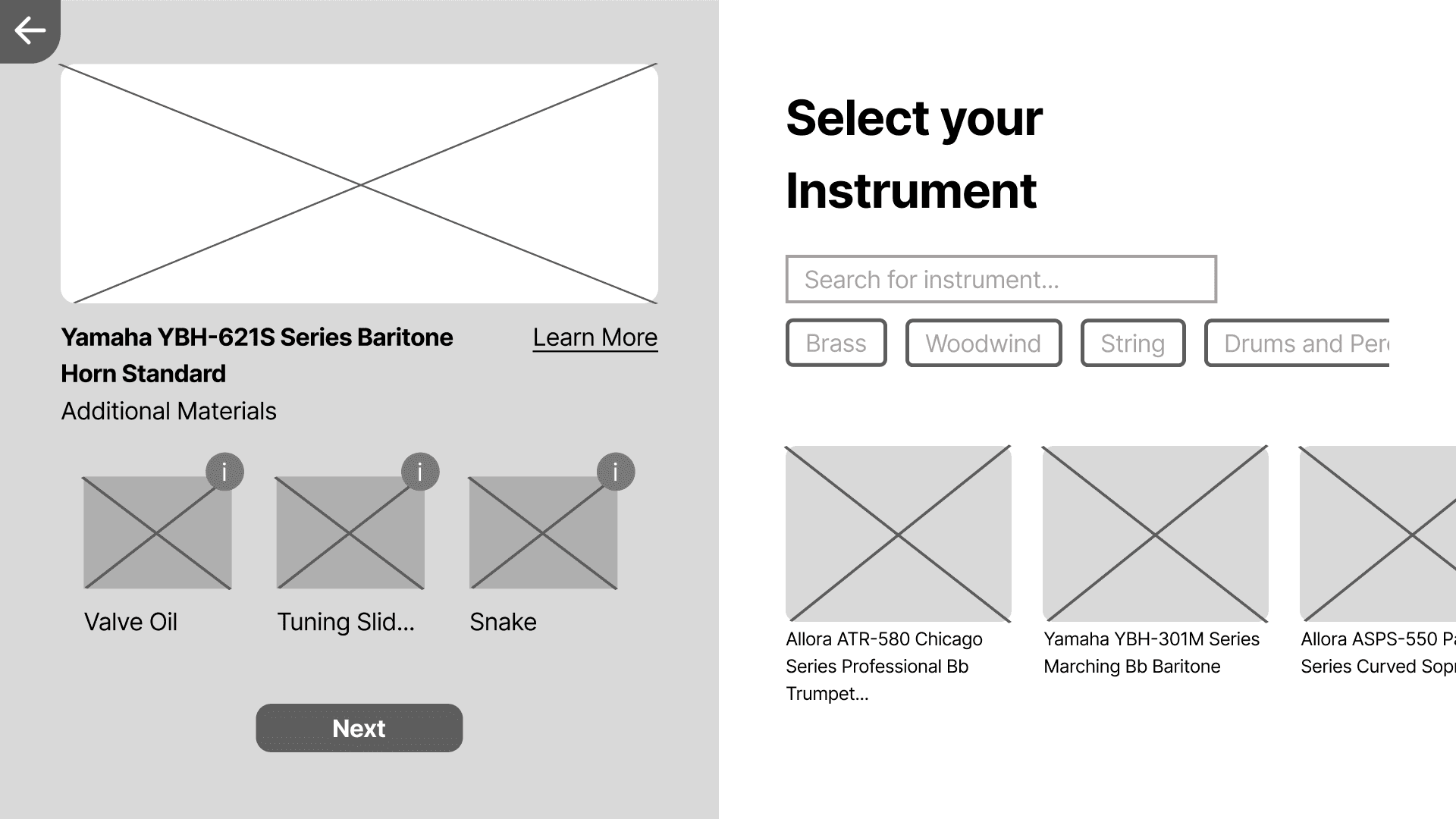
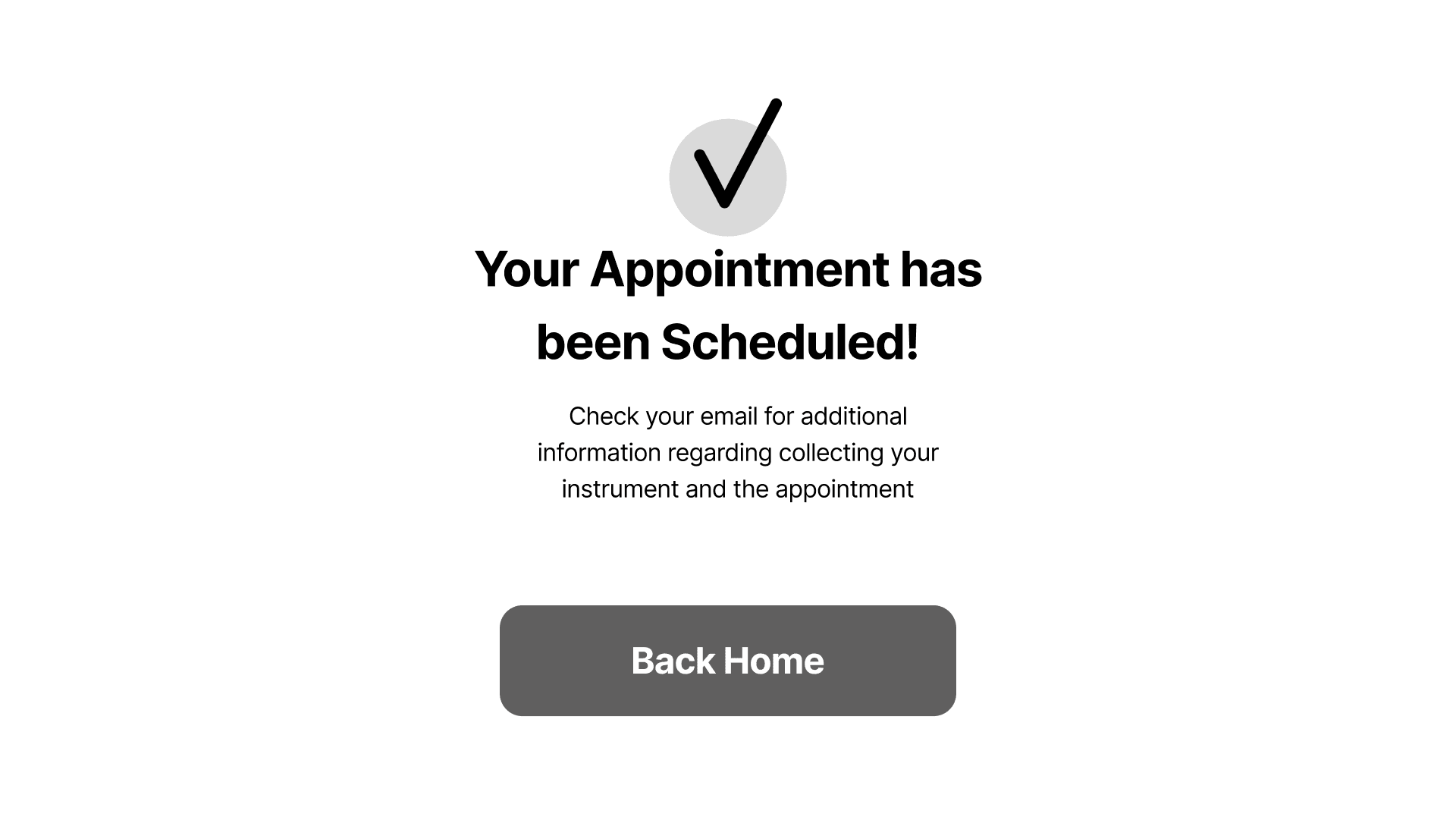
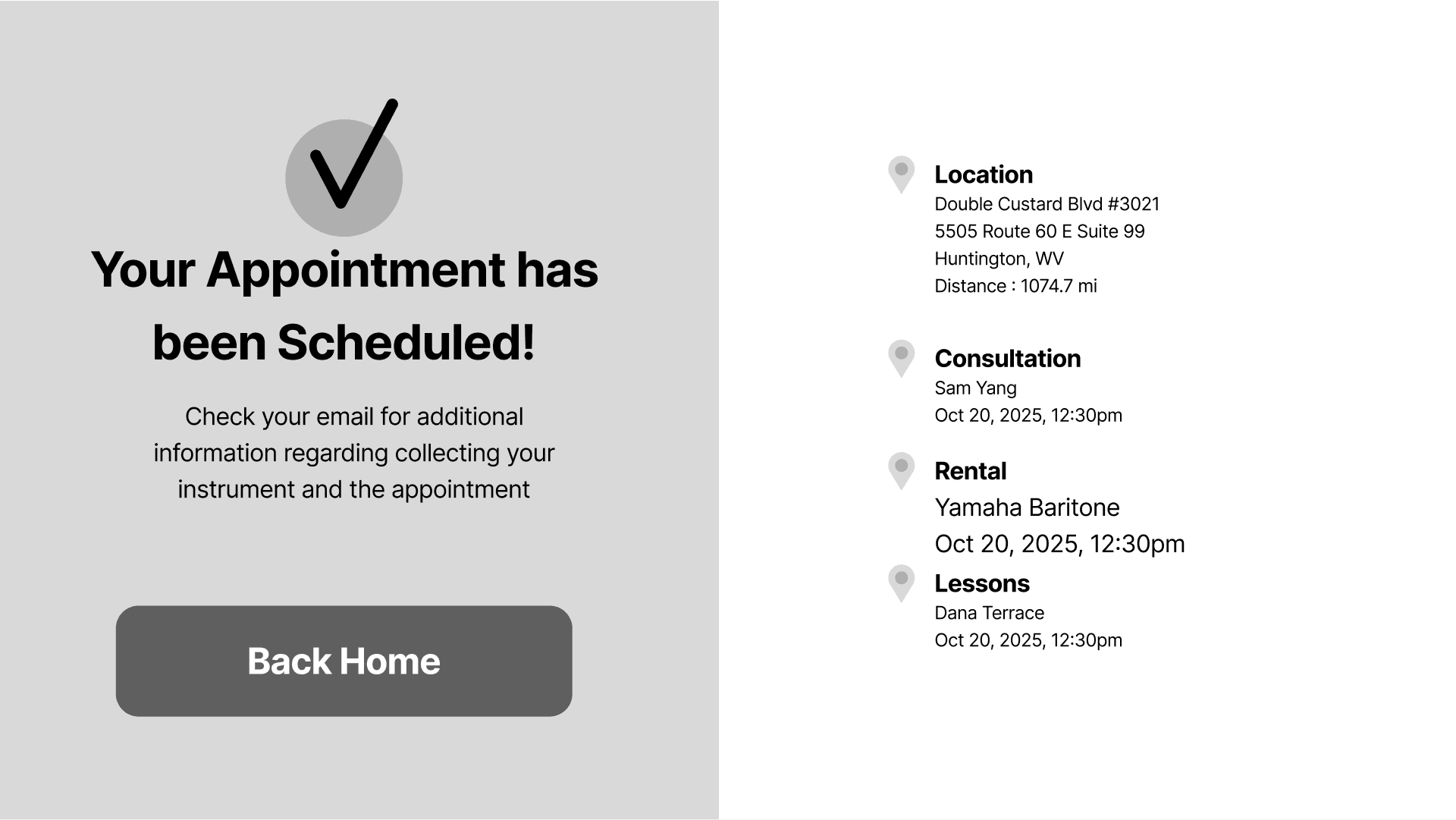
When designing the wireframes, I went through multiple rounds of team and user testing to ensure the user navigation made sense and to see how users went about going through an early rough of a site. Below are the major iterations passes done for the kiosk site.
Lesson Schedule
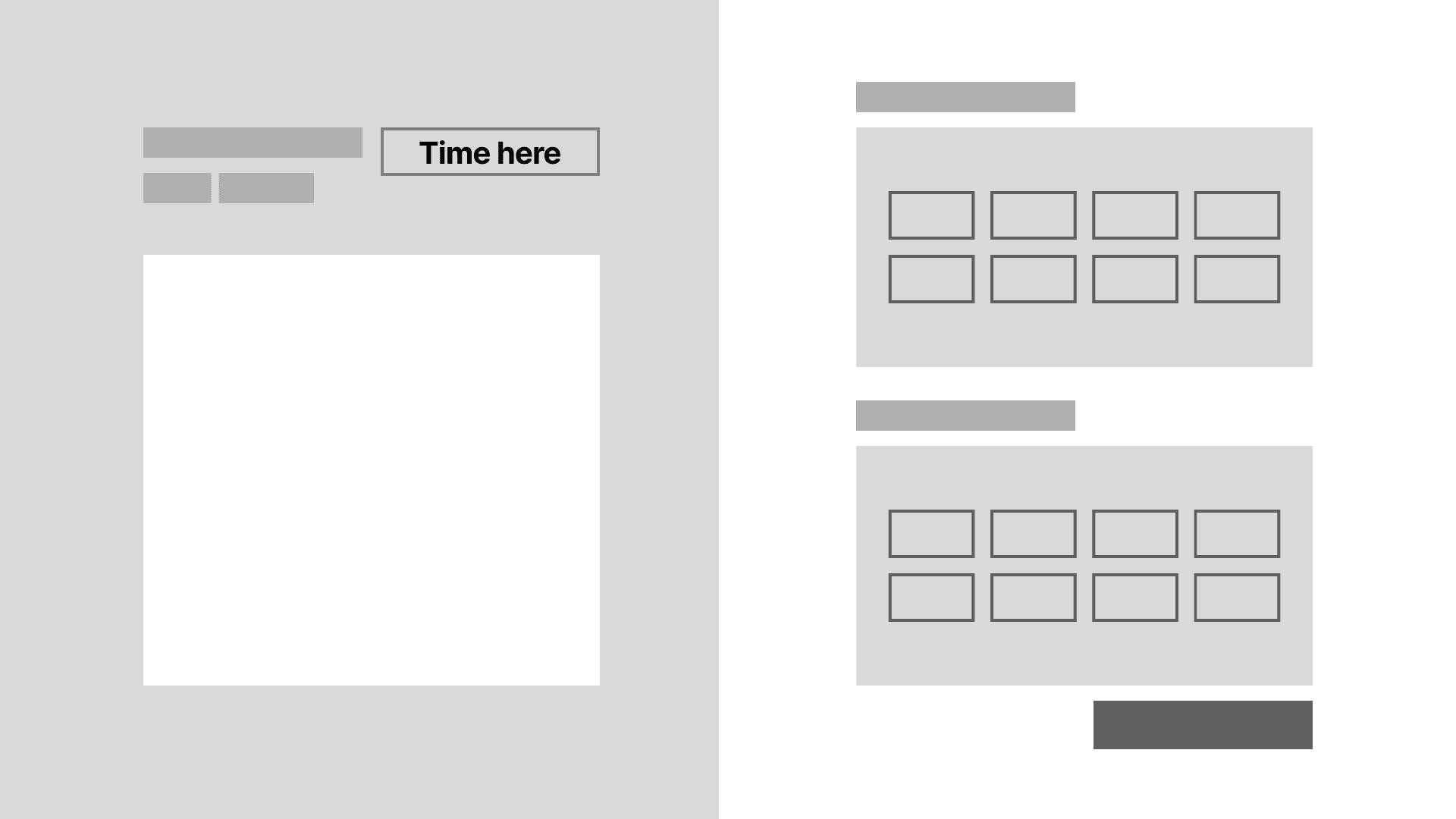
Instrument Selection
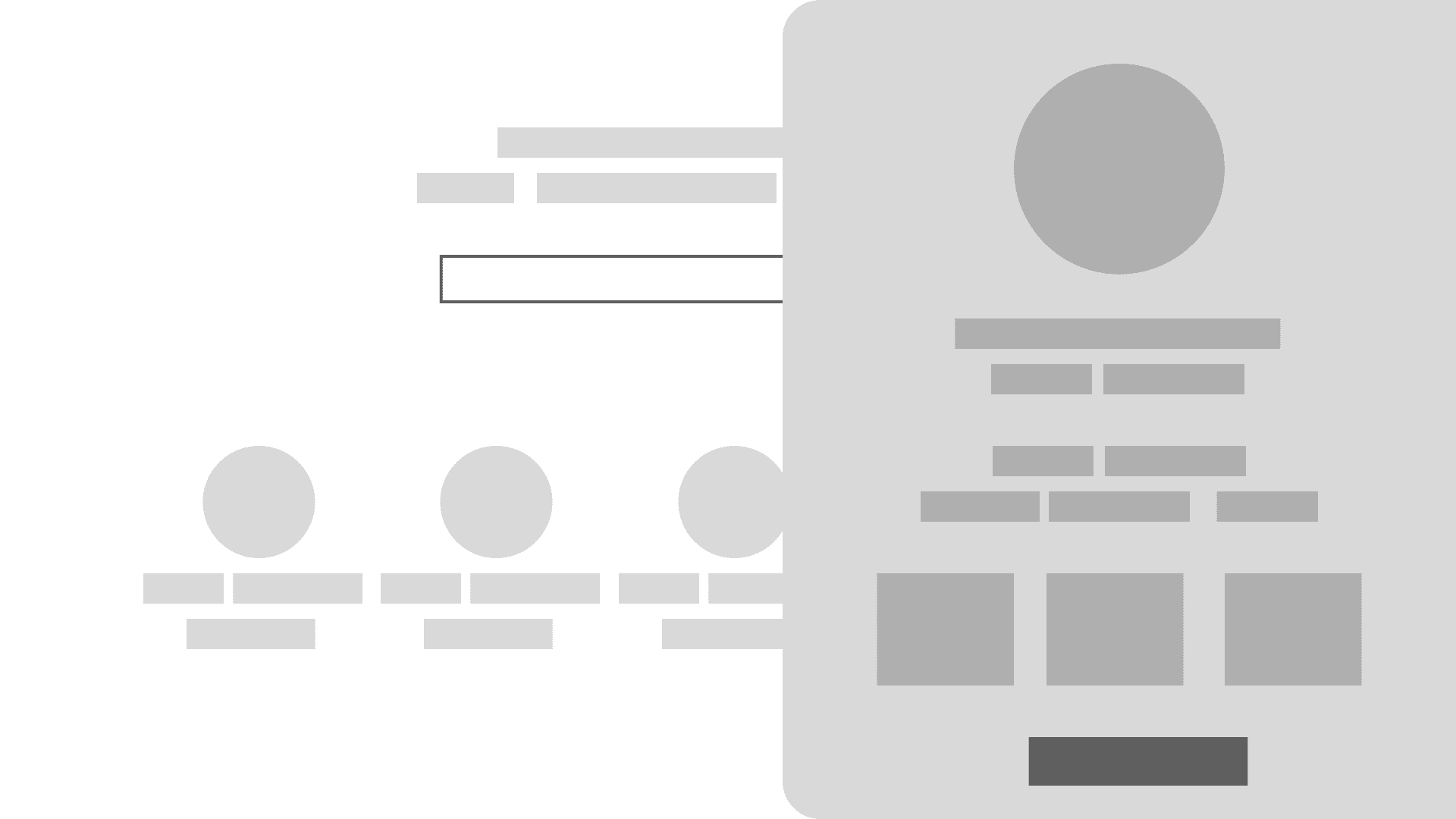
Summary
Final Product
Lets do a quick recap of how we got here:
01. The Goal
Create an application that allows users to rent and find the right instrument for them, and schedule one-on-ones with professionals.
02. Pain Points
Finding the right instrument.
Lack of musical guidance.
How to reach and teach multiple users.
03. Solution
A kiosk interface that ensures users get the materials and guidance needed to start their journey.
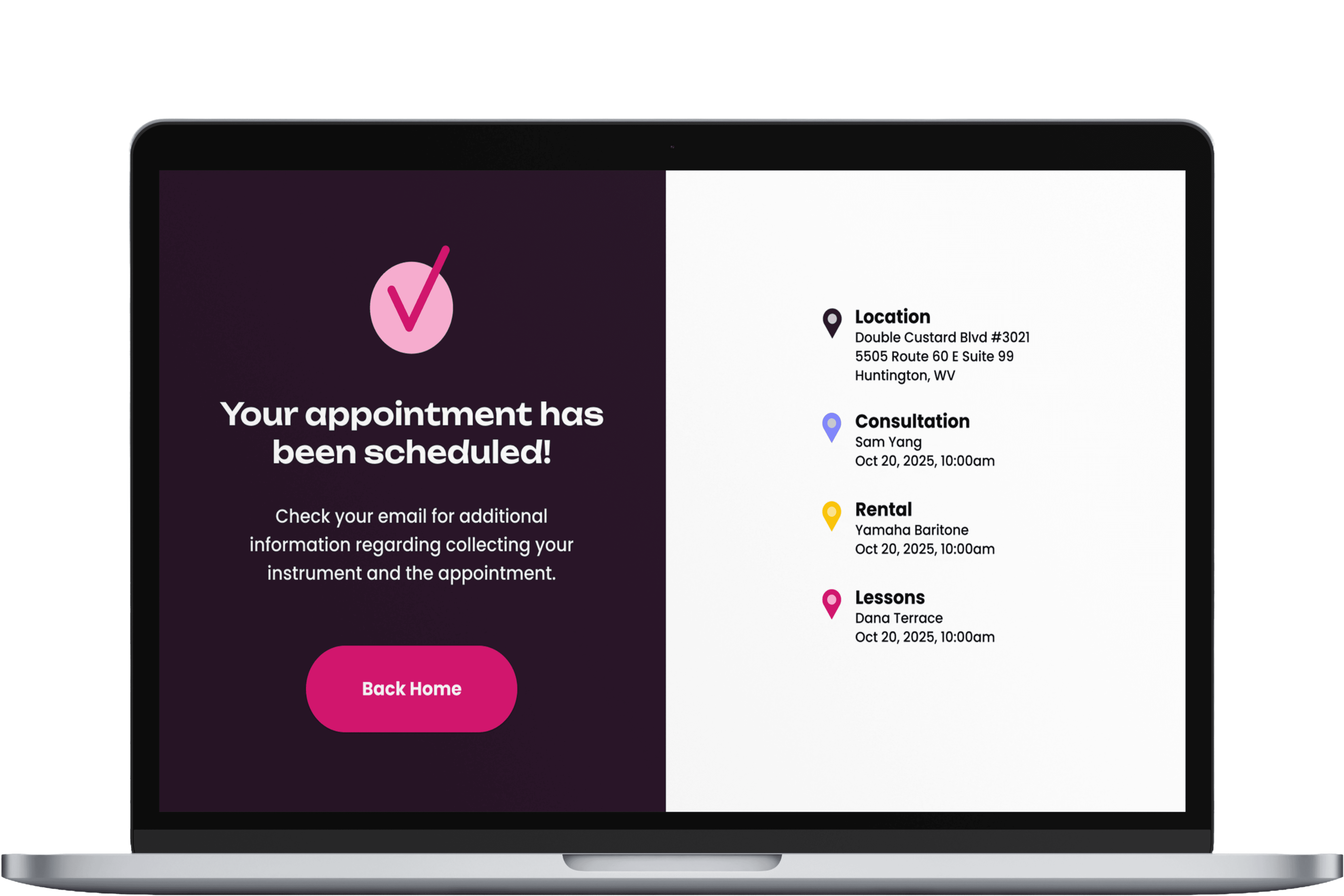
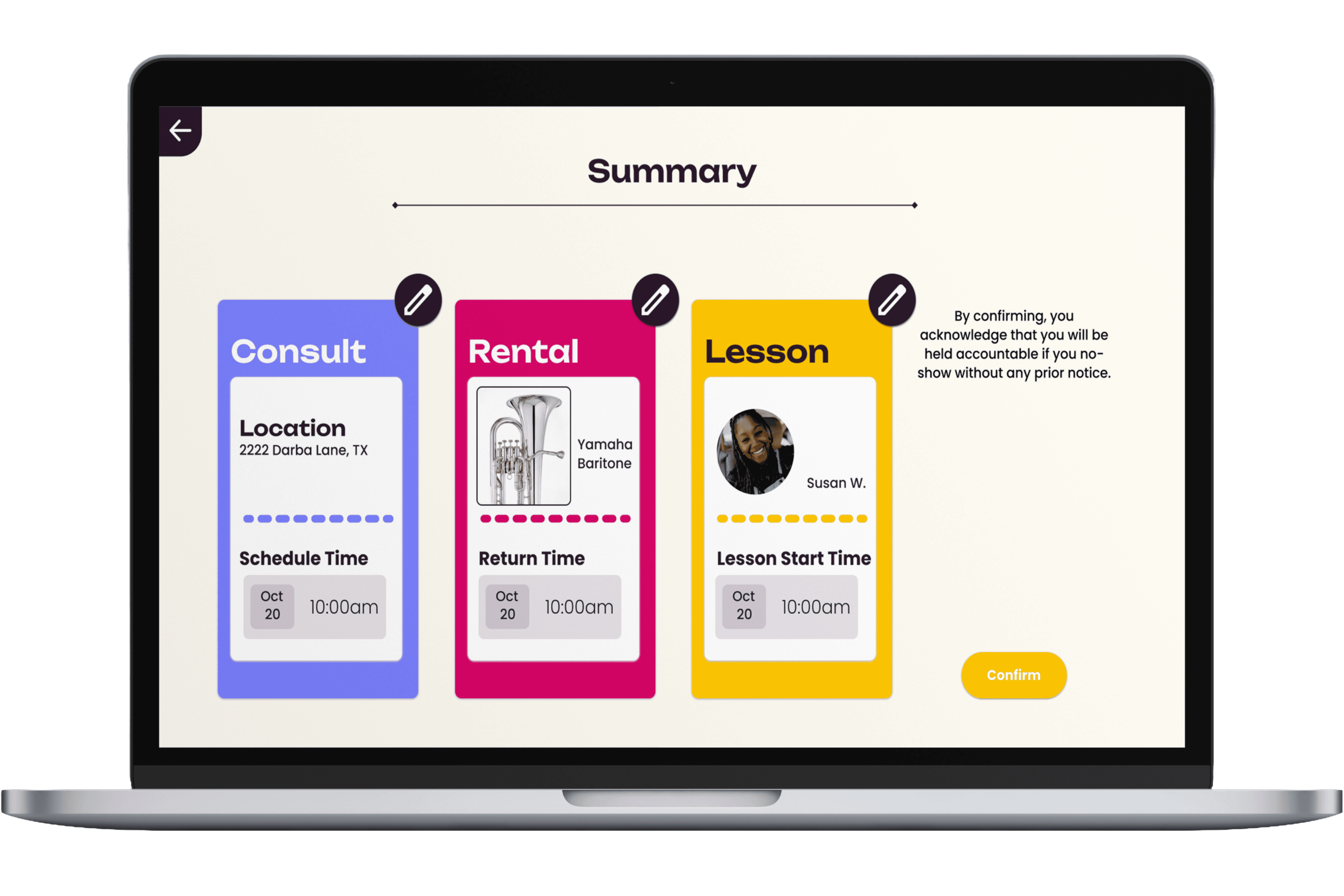
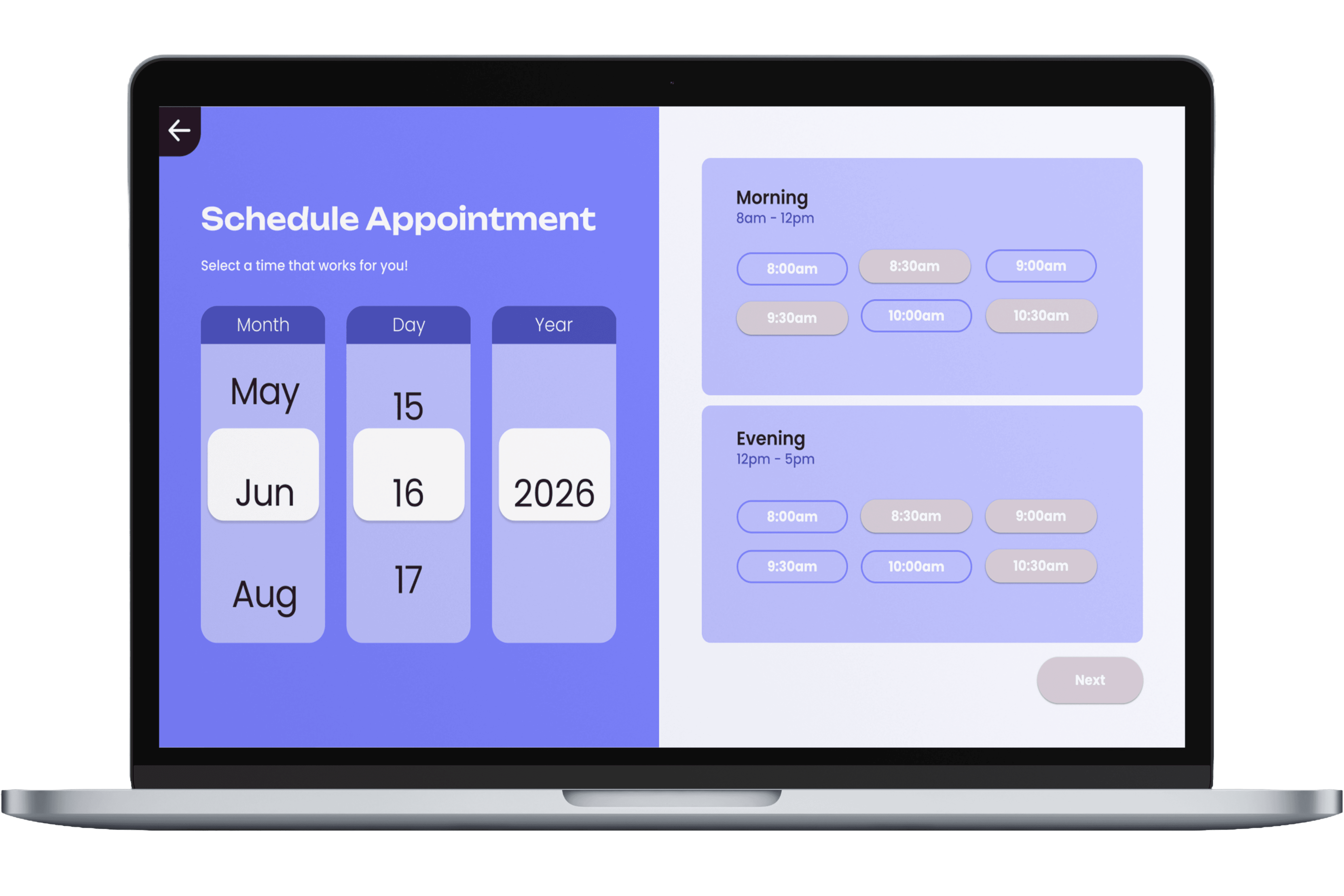
Sign Up Flow
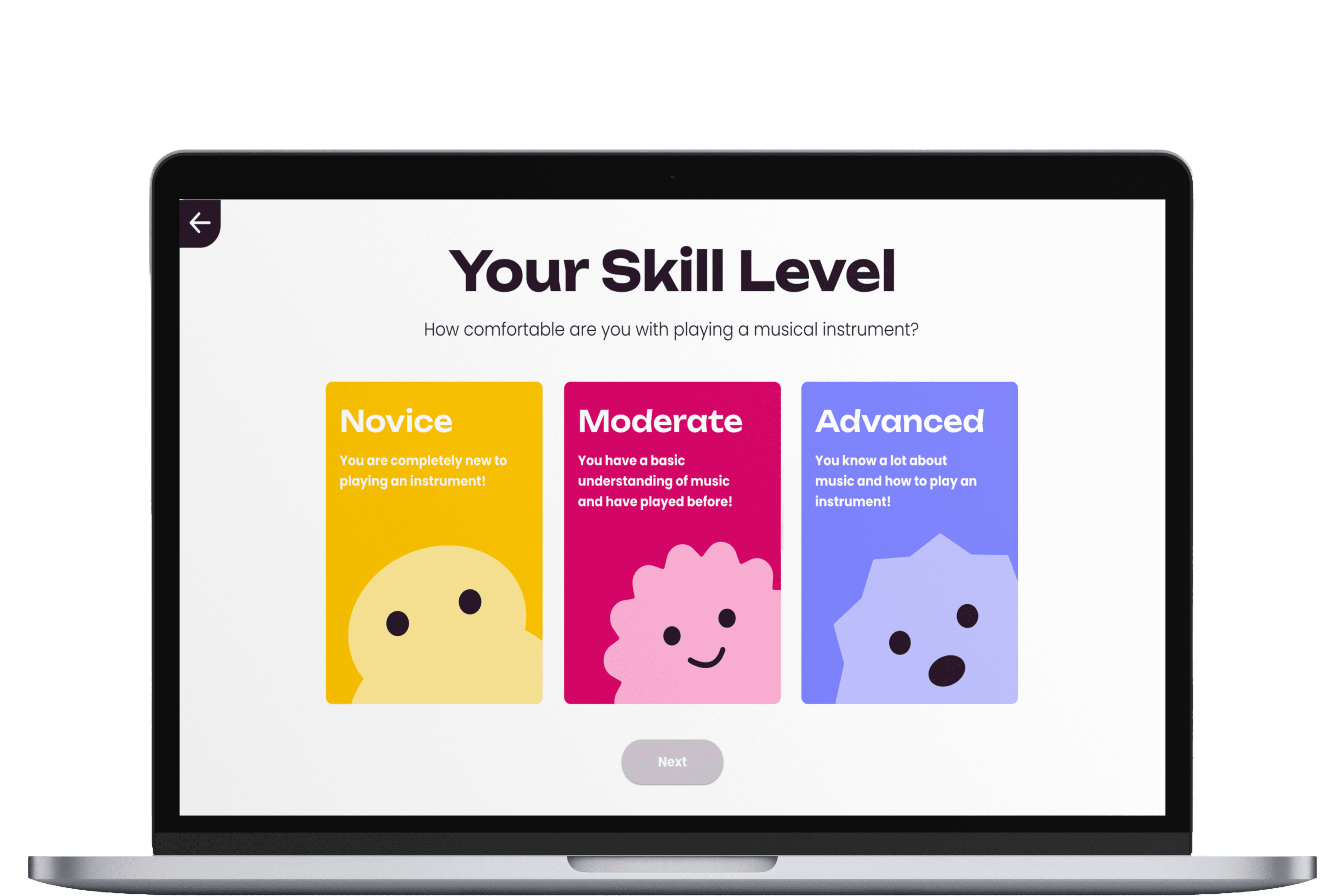
The Sign Up gathers basic information from the user for communication and allows users to select their current skill level so we know what to expect from them and cater to their needs effectively.
Consultation Flow
Scheduling a consultation allows users to meet with a professional beforehand to inform the user of what the program entails and help users find the instrument that best suits them.
Instrument Rental
Renting an Instrument guides users on the available instruments in store while also educating them on what the instrument is, its place in a group, and the materials that come along with it.
Rehearsal Flow
Scheduling Rehearsals lets users choose their instructor based on their chosen instrument and skill level to ensure the best match possible between student and teacher.
Reflections and Next Steps
I had a wonderful time working on this project! This was my first group project I've done and we received the highest grade out of the class! It was really inspiring to learn from others workflows and how to work with others as well! It's something I'm realizing I want to do more of when it comes to designing in general.
Though I'm happy with how everything turned out, there are some glaring errors I'm working on correcting besides just what I did in my role as a UX Designer:
1
The yellow is an accessibility issue that needs to be fixed.
2
3
Clear iconography language, mainly changing the plus sign in the confirmation screen.
Check out my Other Works!